
6. Security-Rules
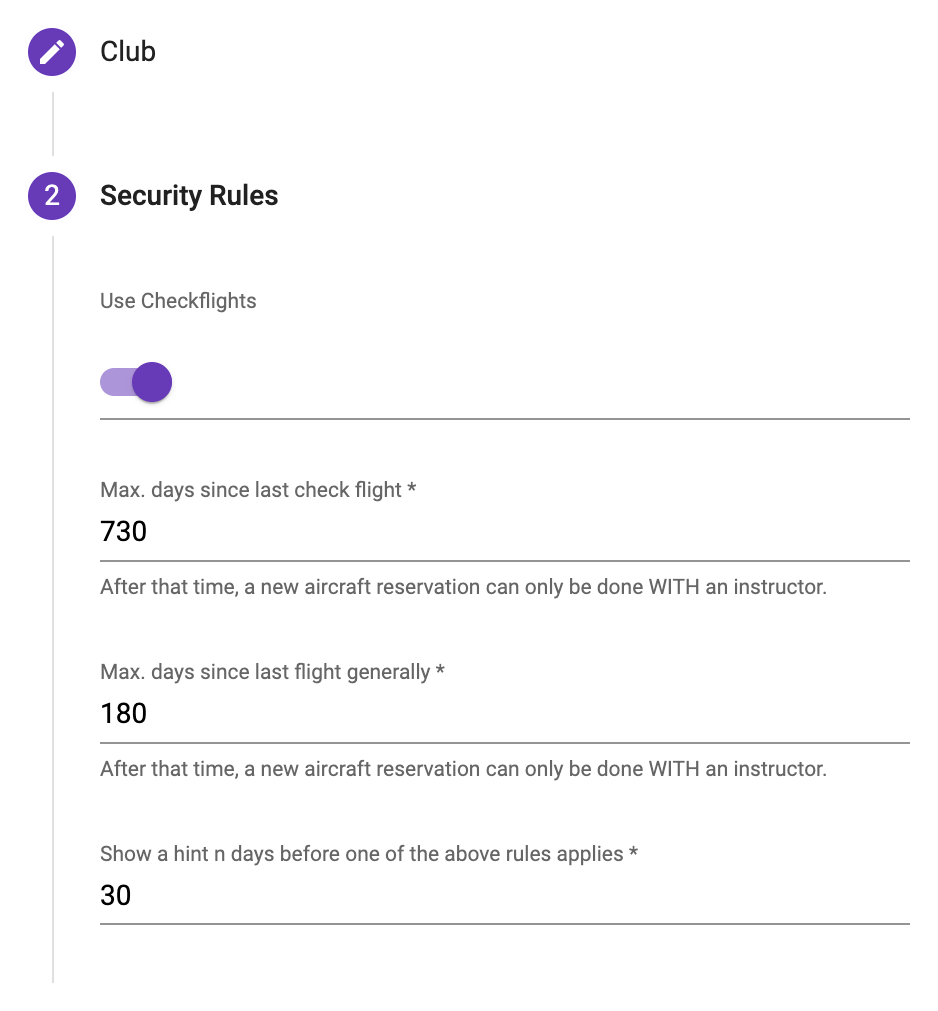
If the check-flights under the security-rules at a club are activated, the members validations will be checked and forces the member to select an instructor for the next reservation. The following settings are available:
Examples:
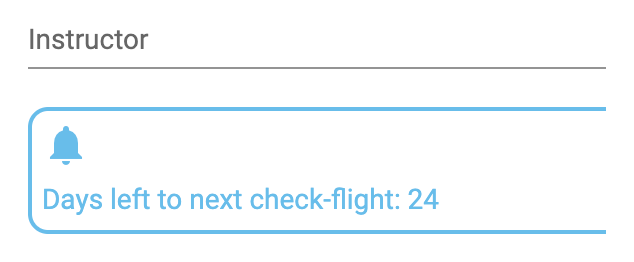
Notification n days left till the next check-flight:
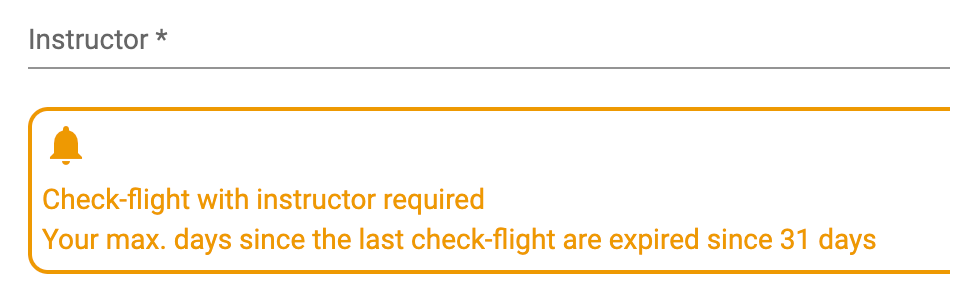
Last checkflight date expired:
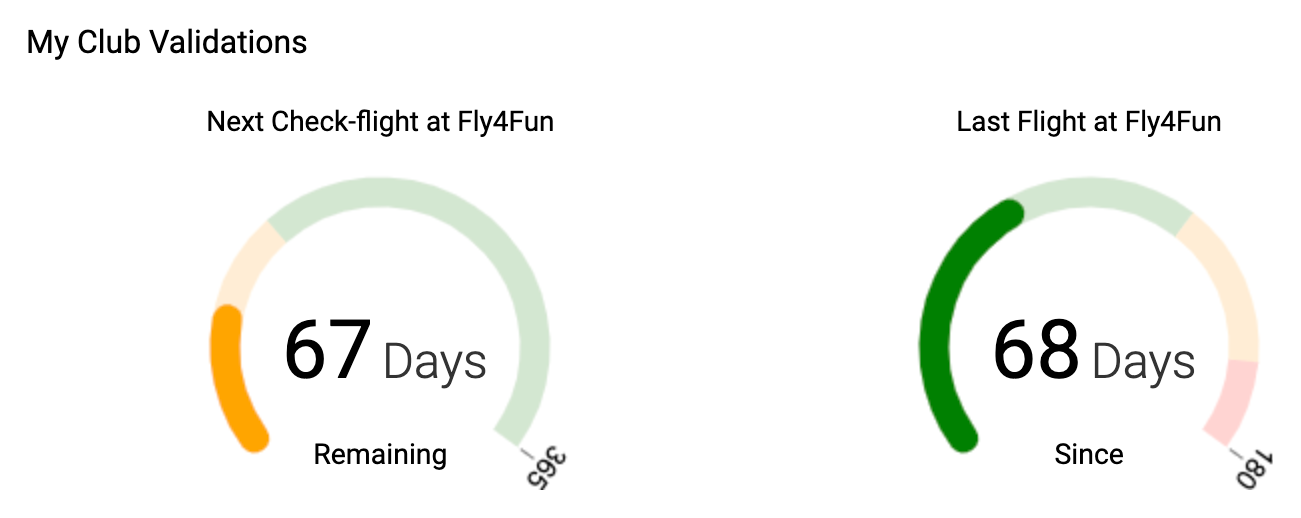
Members dashboard view:
ATTENTION:
License- and Medical-Expiration are only visible to members who has a valid flight license (see validations in chapter 5).
Simulator: rules do not apply
An aircraft can be kept as a simulator in the aircraft administration (field "Type of resource"). On a simulator the club's safety rules deliberately do not apply:
- No check-flight is verified - on the ground there is nothing a check-flight would protect against.
- A student pilot may book it without an instructor. This is the exception to the rule that otherwise applies.
- Conversely, on real aircraft: a student pilot only reserves a training aircraft of the DTO (switch in the aircraft administration, see chapter 11.10) - on an aircraft that does not belong to the DTO there is no basic training for them.
- A simulator does not count towards the aircraft quota of the club licence and does not appear in "I want to fly" - whoever wants to practise on the simulator picks it deliberately in the reservation.
- Simulator time is listed on its own row under "My flight times" on the dashboard, but is not included in the total of flight hours. It is not reported to capzlog.aero.
Official check-flight (proficiency check)
Besides the club check-flight (button "Club check-flight") there is a second, independent marker on a logbook entry: the official check-flight (proficiency check) for the revalidation/renewal of the license. The corresponding button is called "Proficiency check-flight":
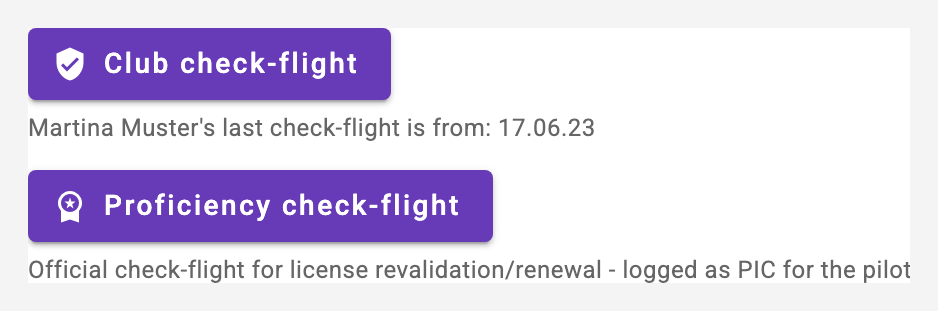
- The marker can be set by instructors of the club - also for an entry with a different instructor on it. The club owner can only set it if they are an instructor themselves.
- It is always available, no matter whether the club has activated check-flights in the security rules.
- With the capzlog.aero integration enabled, the flight is transferred to the pilot's logbook as PIC with the "Proficiency Check" marker. The club check-flight, in contrast, remains a regular training flight (dual) and still updates the member's last check-flight date.
- Check-flights only exist for pilots and instructors: for a student pilot neither of the two buttons appears - a student takes a skill test, not a check-flight.
Aircraft visible only for selected members (charter)
A club aircraft can be restricted to selected members - for example a chartered aircraft that is deliberately not available to all pilots. The club owner picks the entitled members in the aircraft administration, step "Visibility".
- Nothing selected means: all club members see the aircraft - that is the default and the previous behaviour.
- With a selection set, only the chosen members see and reserve the aircraft - everywhere in the application (reservation, agenda, occupancy overview, "I want to fly", logbook selection, calendar subscription).
- Club owners and additional owners of the aircraft always see it, regardless of the selection.
- Existing entries remain: if a member loses visibility, their already recorded reservations and logbook entries stay untouched - they can still see and edit them, and their own calendar subscription keeps showing them. Only NEW reservations are blocked.
- For the chosen members the aircraft looks like any other - there is no special marker. On the owner's administration card the note "Visible only for N member(s)" shows that a restriction is active.